Gallery › Printmaking and etching
Nightfall, Three Cuts
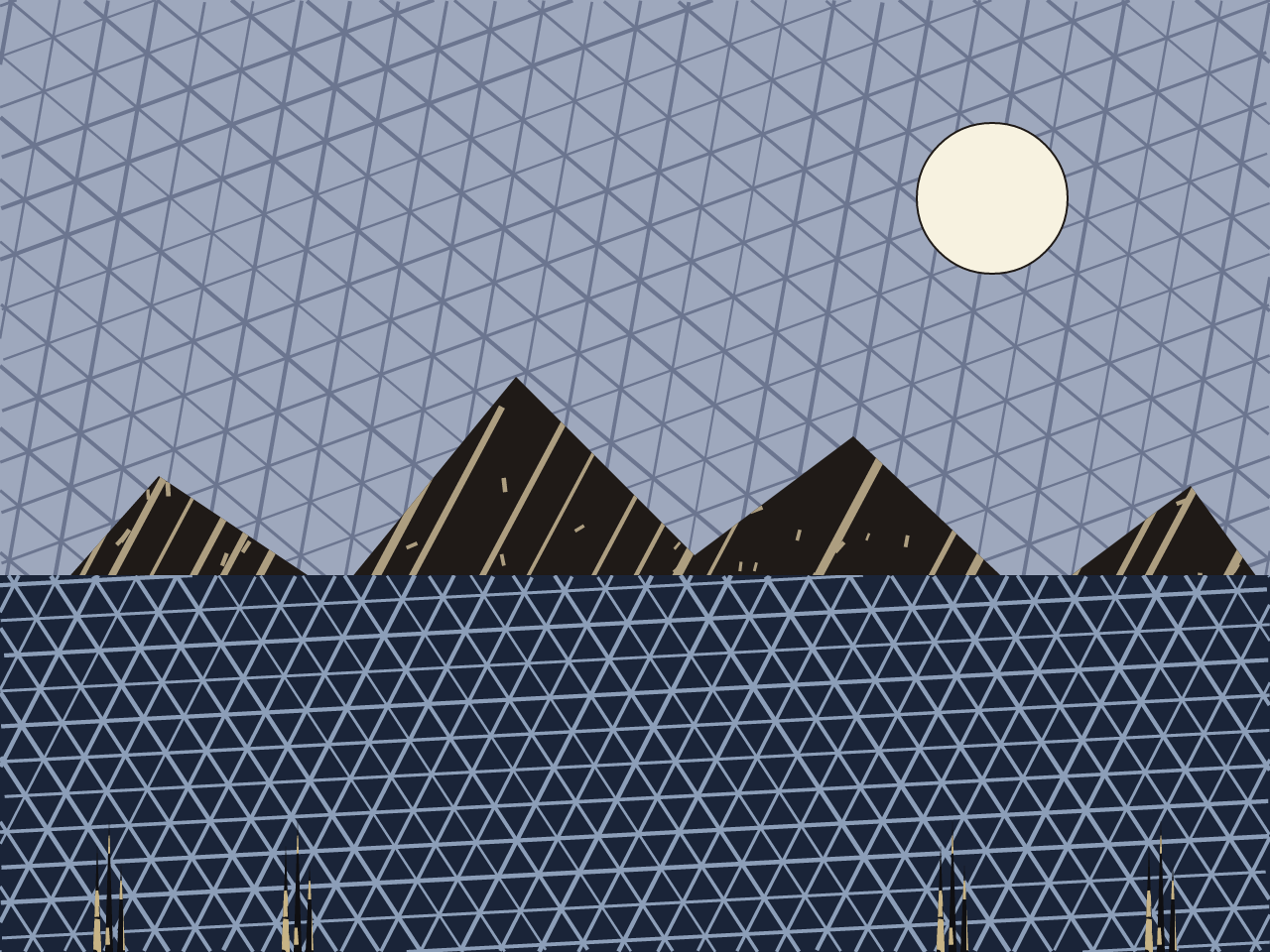
A moonlit ridge over water in three print styles at once: engraving, woodcut and linocut.
How it is made
printkit's three presets are used together in one scene rather than as three separate samples. Sky and water are the engraving preset's fine crosshatch at two angles, the mountains are the woodcut preset's grain-following breakup, and the foreground reeds are the linocut preset's bolder, simpler marks. Each silhouette is filled solid ink first, then its own preset runs a second time over the same path in a lighter colour, giving the carved-through-to-the-paper look of gouged wood or lino.
Details
- Category
- Printmaking and etching
- Tags
- landscape
- Libraries
- artkit, hatchkit, printkit, surfacekit
- Added
- 2026-09-04
- Built in
- issue #52
- Page size
- 640 × 480 points
Source
View source the whole program in a scrolling window, or read gallery/nightfall_triptych.ps on GitHub. To draw it yourself, from a checkout of the repository:
pscat --page 640x480 gallery/nightfall_triptych.psThe first 40 of 115 lines of the source
%!PS-Adobe-3.0
%%Title: Nightfall, Three Cuts
%%BoundingBox: 0 0 640 480
%%EndComments

% A moonlit ridge over water, built entirely to put lib/printkit.ps's
% three presets (issue #52) to work in one scene rather than three
% separate specimen boxes: the sky is engraving's fine crosshatch
% (dusk texture, straight off a flat wash); the mountains are woodcut;
% the water is engraving again, a different /Angle; the foreground
% reeds are linocut.
%
% Every mark this file draws that isn't the moon or the flat washes
% comes from a preset call -- but printkit's presets only ever *add*
% ink, they never subtract, so a woodcut/linocut/engraving pass alone
% can only draw a dark shape on a pale ground, not a genuine "carved
% through solid ink" print. The trick used throughout: fill the
% silhouette solid first with an ordinary `fill` (the inked block),
% then run the preset a second time over the *same* path with `/Color`
% set to a *lighter* tone instead of the usual dark ink -- the preset
% doesn't know or care that its own strokes are lighter than the
% ground they land on, so what it draws reads as moonlit highlight cut
% through the block: the actual look real relief printmaking gets from
% gouging a line's worth of wood or lino away and leaving it uninked.

(lib/artkit.ps) run
(lib/hatchkit.ps) run
(lib/surfacekit.ps) run
(lib/printkit.ps) run

% --- palette (plain 3-element arrays -- both setrgbcolor and /Color
% read the same object directly, no procedure/array mismatch) --------
/paper    [ 0.96 0.93 0.86 ] def
/skywash  [ 0.62 0.66 0.74 ] def
/skyink   [ 0.42 0.46 0.56 ] def
/mtnink   [ 0.12 0.10 0.09 ] def
/mtnhi    [ 0.68 0.62 0.50 ] def
/waterink [ 0.10 0.14 0.22 ] def
/waterhi  [ 0.55 0.62 0.72 ] def
/reedink  [ 0.06 0.06 0.07 ] def