Ripple Range
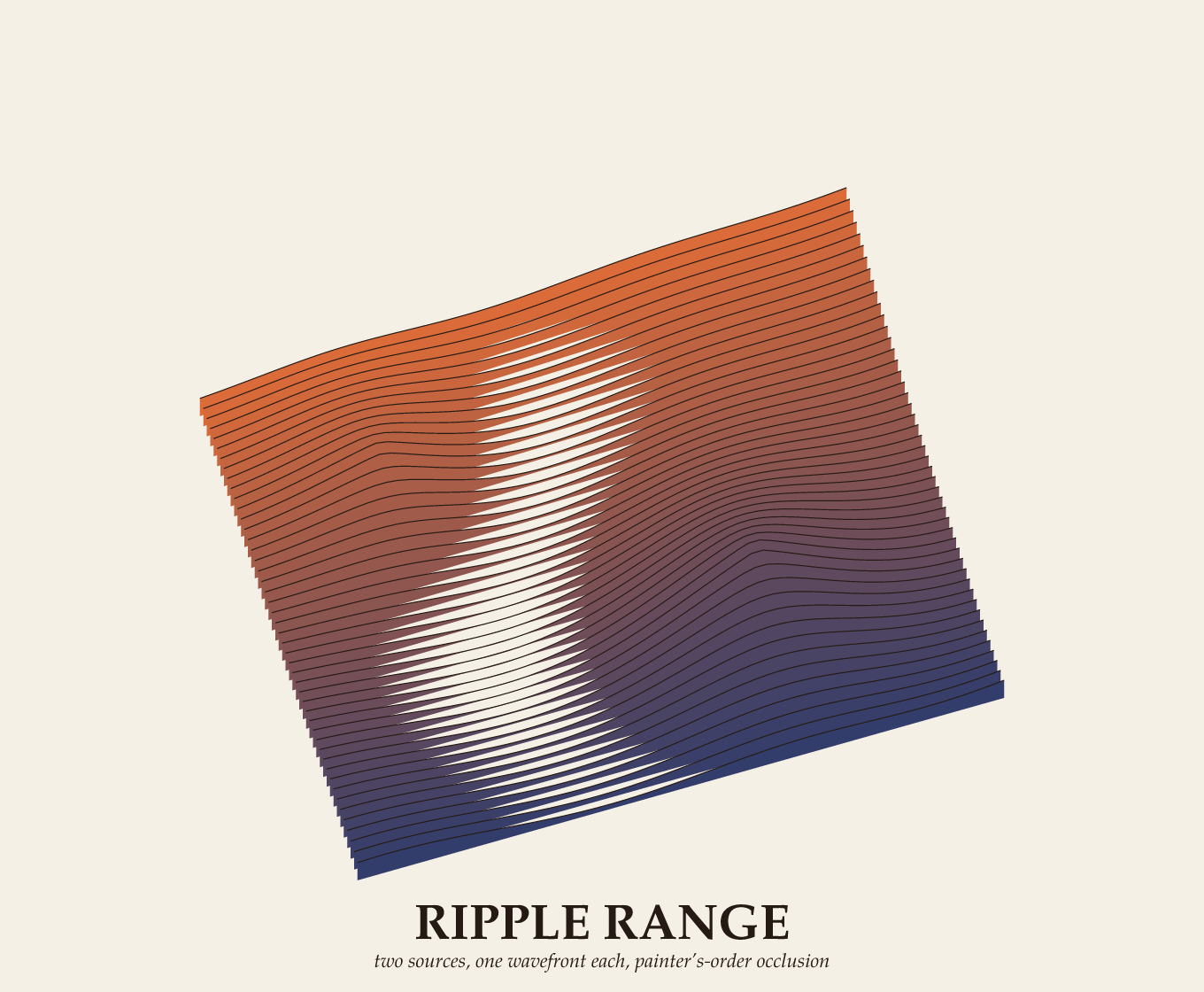
Two decaying ripples summed into a height field and drawn as a 3D surface.
How it is made
Two ripple sources, each fading with distance, are added into a height field. The surface is swept row by row under graph.ps's project3 camera, each row a filled ridge that hides the ones behind it, painted back to front (the painter's algorithm).
Details
- Category
- Data visualization
- Tags
- geometry
- Libraries
- none: this piece is plain PostScript
- Added
- 2026-08-03
- Built in
- issue #13
- Page size
- 680 × 560 points
Source
View source the whole program in a scrolling window, or read gallery/ripple_range.ps on GitHub. To draw it yourself, from a checkout of the repository:
pscat --page 680x560 gallery/ripple_range.psOpen it in the playground and watch it draw in your browser: this piece reads no other file, so it runs there unchanged.
The first 40 of 109 lines of the source
%!PS-Adobe-3.0
%%Title: Ripple Range
%%BoundingBox: 0 0 680 560
%%EndComments

% Two ripple sources — off-center, different wavelengths, both decaying
% with distance like waves on a pond — summed into one height field and
% swept row by row (near x, far y) under an azimuth/elevation camera.
% Each row is filled from its own ridge line down to a shallow margin
% below itself before the next (nearer) row is drawn on top: simple
% back-to-front painter's algorithm, correct here because a height
% field swept along one axis never needs anything cleverer. graph.ps's
% own plotsurface deliberately stops short of this (a general-purpose
% hidden-surface remover is a separate project, per its header) —
% this piece is the "one specific case where the cheap trick works"
% payoff.
%
% Gallery II (issue #13, the graphing library) — inlines Graph3D/
% setview/project3 from lib/graph.ps and mix3 from lib/artkit.ps per
% the gallery's self-containment doctrine (see hortus.ps).
%
%   pscat --page 680x560 gallery/ripple_range.ps

% --- the toolkit subset (from lib/graph.ps and lib/artkit.ps) --------
/Graph3D 8 dict def
/setview {                                       % az el scale cx cy setview -
    Graph3D begin
        /vcy exch def /vcx exch def /vs exch def /vel exch def /vaz exch def
    end
} def
/project3 {                                      % x y z project3 -> devx devy
    /gvz exch def /gvy exch def /gvx exch def
    Graph3D begin
        /gvx1 gvx vaz cos mul gvy vaz sin mul sub def
        /gvy1 gvx vaz sin mul gvy vaz cos mul add def
        /gvy2 gvy1 vel cos mul gvz vel sin mul add def
        gvx1 vs mul vcx add
        gvy2 vs mul vcy add
    end
} def